
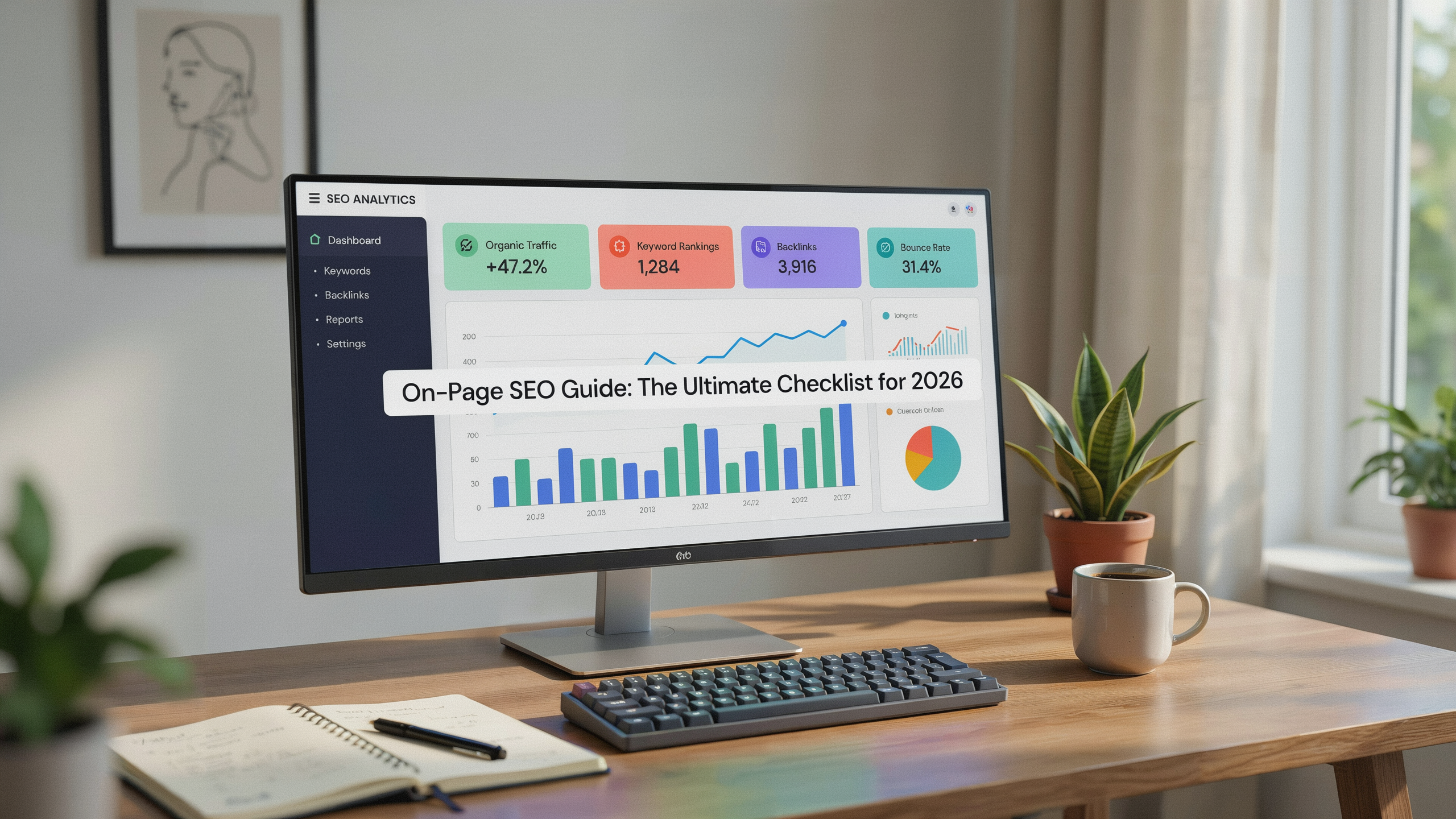
This on-page seo guide covers what you need to know to optimize your pages for higher search engine rankings. From keyword placement to internal linking, you'll learn the techniques that still matter and how to implement them step by step.
Key Takeaways
- On-page SEO is the practice of optimizing individual web pages to rank higher and earn more relevant traffic.
- The most important on-page SEO factors include title tags, meta descriptions, headers, content quality, and internal links.
- Following a proven on-page seo checklist helps you avoid common mistakes and prioritize high-impact changes.
- Regular audits and staying updated with Google's guidelines are essential for long-term success.
- Free tools like Google Search Console and generic SEO audit tools can help you measure and improve your on-page SEO performance.
What Is On-Page SEO?
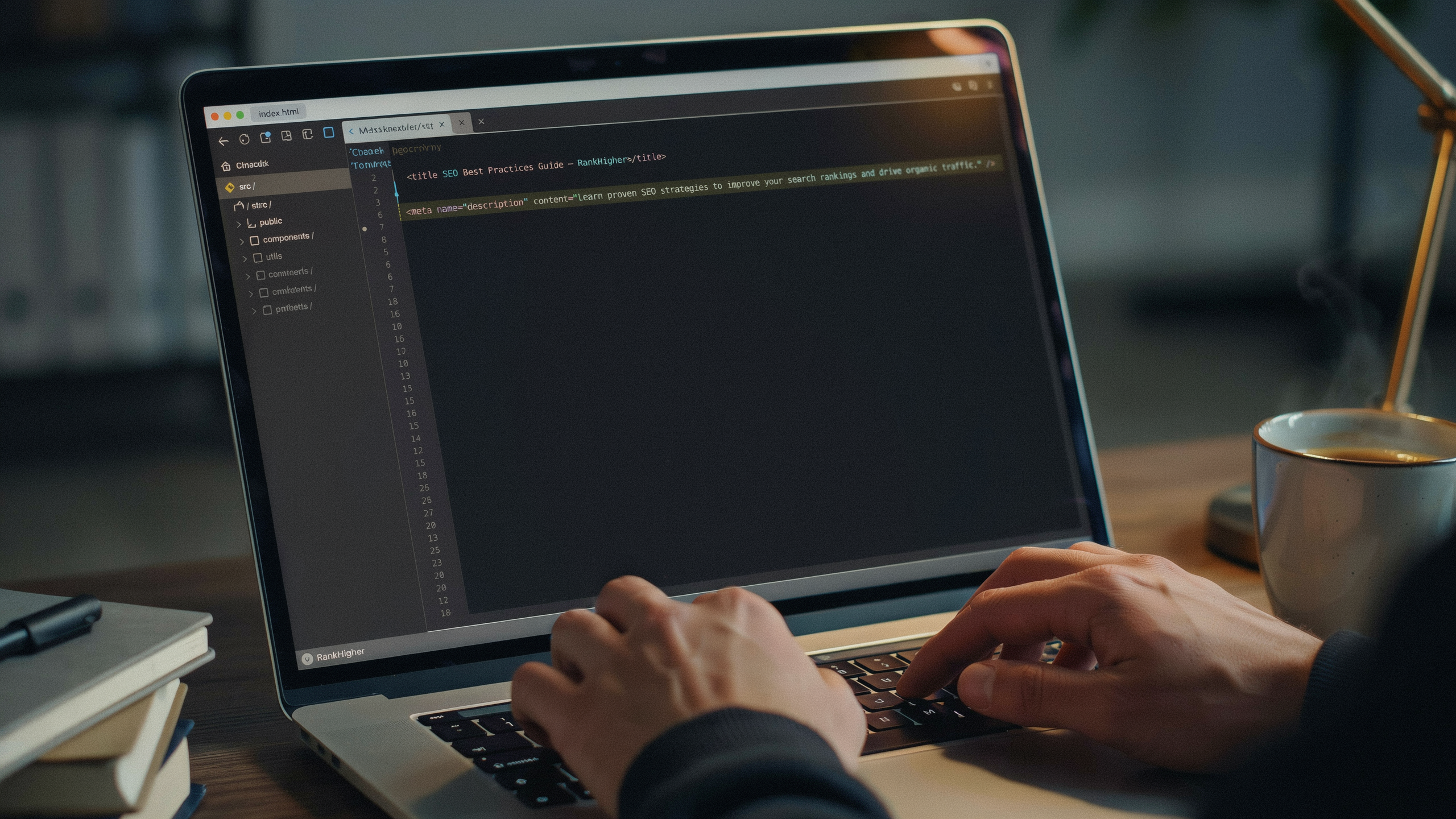
On-page SEO, also called on-site SEO, refers to all measures you can take directly within your website to improve its position in the search rankings. Unlike off-page SEO, which focuses on external signals like backlinks, on-page SEO is entirely under your control.
Think of on-page SEO as the foundation of your search strategy. It includes optimizing content, HTML source code, and site architecture. When done correctly, it helps search engines understand your content and match it to relevant queries. Google's own Search Engine Optimization (SEO) Starter Guide notes that simple improvements like descriptive title tags and proper heading usage can significantly impact your visibility.
In this on-page seo guide, we'll walk you through each component, so you can build a solid foundation for your website. Understanding on-page seo factors is the first step toward better rankings, whether you're a beginner or just need a refresher.
Why On-Page SEO Still Matters in 2026
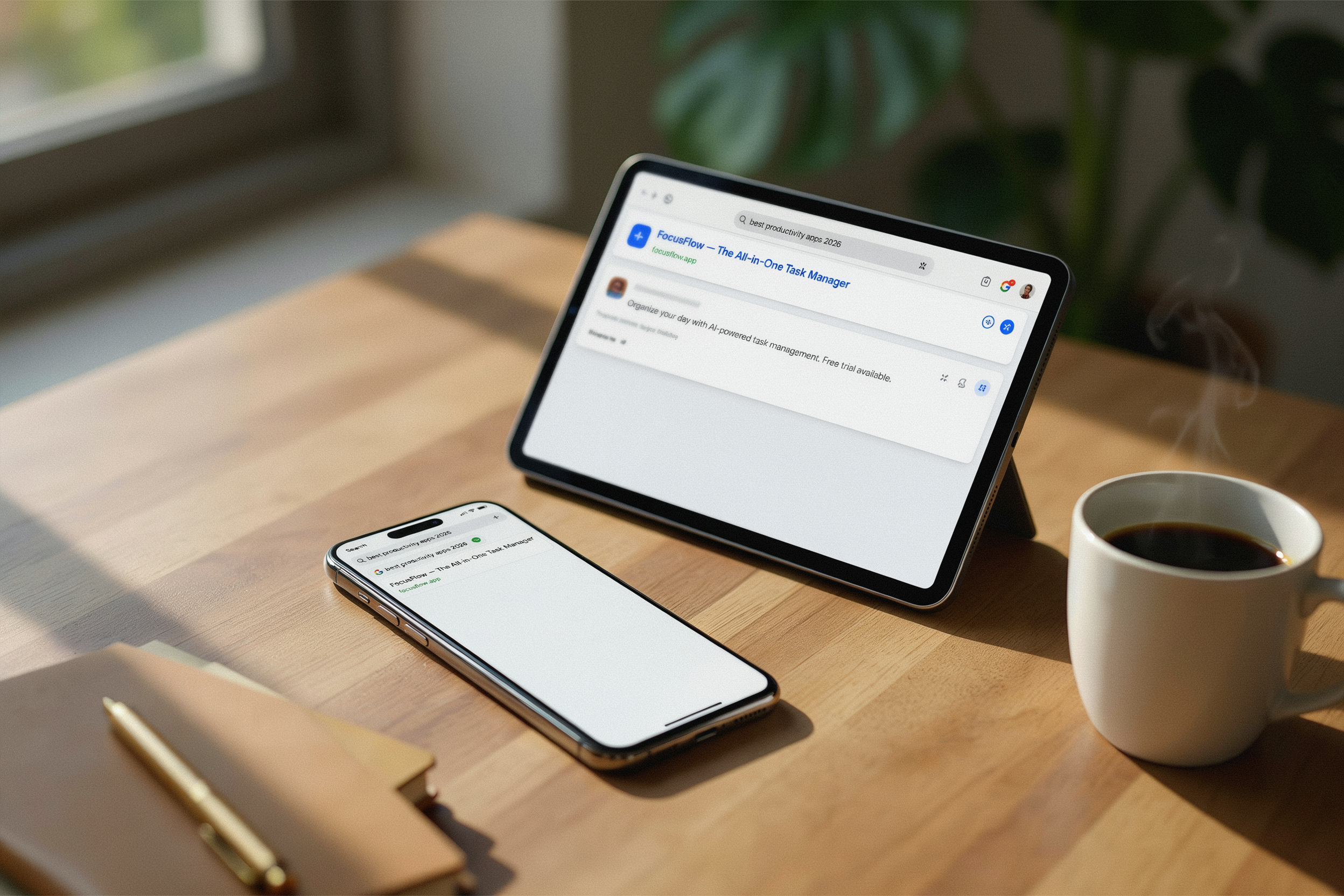
Search engines have evolved, but on-page SEO remains a cornerstone of digital marketing. Google's algorithms are more sophisticated, yet they still rely heavily on on-page signals to determine relevance and quality. Without proper on-page optimization, even great content can go unnoticed.
Pages with optimized title tags, clear headings, and fast load times consistently outperform those without. On-page SEO directly impacts user experience, which is a key ranking factor. By following this on-page seo guide, you can ensure your pages meet both search engine and user expectations.
Consider how search behavior has changed. Users expect instant answers, and Google's emphasis on Core Web Vitals means technical on-page elements like page speed and visual stability are no longer optional. A slow, cluttered page won't hold attention, no matter how good the content is. That's why on-page SEO in 2026 is about creating a smooth experience from the moment someone lands on your page.
Another shift is the rise of AI-generated content. With more low-quality, generic pages flooding the web, Google's systems are getting better at rewarding original, helpful content. On-page signals like unique data, clear structure, and trustworthy internal linking help your pages stand out. This on-page seo guide focuses on the tactics that align with these trends.
Essential On-Page SEO Factors
When discussing on-page seo factors, we often break them into two categories: content and technical. Content factors include keyword usage, topic relevance, and readability. Technical factors cover HTML elements like title tags, meta descriptions, and schema markup. Both are equally important.
The most critical on-page seo factors you need to master include:
- Title tags: The clickable headline in search results. It must include your target keyword and entice users to click.
- Meta descriptions: A brief summary that appears under the title. While not a direct ranking factor, a compelling meta description improves click-through rates.
- Headings (H1, H2, etc.): They structure your content and help search engines understand the hierarchy of information.
- Content quality: Google rewards in-depth, original, and helpful content. Your pages should answer the searcher's intent thoroughly.
- Internal links: They distribute PageRank and guide users to related content on your site.
- URL structure: Clean, descriptive URLs with keywords perform better.
- Image alt attributes: They describe images for search engines and improve accessibility.
- Page speed: A fast-loading page is a ranking factor and reduces bounce rates.
Paying attention to these on-page seo factors can make a measurable difference in your traffic. Use this on-page seo guide as a reference when auditing your pages.
Let's dig deeper into a few of these. Title tags, for instance, are often the first thing a searcher sees. A well-crafted title can boost your click-through rate by several percentage points.
But it's not just about stuffing a keyword in there. You need to match the search intent. If someone searches "best running shoes for flat feet," a title like "Top 10 Running Shoes for Flat Feet (2026 Reviews)" tells them exactly what to expect. Keep it under 60 characters so it doesn't get cut off in search results.
Meta descriptions don't directly affect rankings, but they influence whether someone clicks. Write them like ad copy. Include your primary keyword, a benefit, and a reason to click. For example: "Struggling with flat feet? Our on-page seo guide covers the best running shoes for comfort and support. Read reviews and find your perfect pair." That's 155 characters and speaks directly to the searcher's problem.
Internal linking is another underused tactic. When you link from one page to another, you pass authority and help Google crawl your site more efficiently. But don't just link randomly. Use descriptive anchor text that tells users and search engines what the linked page is about. Instead of "click here," use something like "learn more about our free SEO audit tool." This on-page seo guide recommends auditing your internal links at least once a quarter.
On-Page SEO Techniques You Can Implement Today
Now that you understand the basics, here are actionable on-page seo techniques. These are practical steps you can take to improve your pages right away.
- Optimize your title tag: Place your primary keyword near the beginning. Keep it under 60 characters. For example, "On-Page SEO Guide: The Ultimate Checklist for 2026" is concise and keyword-rich.
- Craft a compelling meta description: Write a unique 150-160 character summary that includes your keyword and a call to action.
- Use headings strategically: One H1 per page, with H2s and H3s to break up sections. Include related keywords in subheadings naturally.
- Improve content depth: Cover your topic comprehensively. Use examples, statistics, and external links to authoritative sources.
- Add internal links: Link to other relevant pages on your site using descriptive anchor text. This helps both users and search engines navigate your site.
- Optimize images: Compress images for faster loading and add descriptive file names and alt text.
- Improve URL structure: Use short, keyword-rich URLs. Avoid long strings of numbers or unnecessary parameters.
- Enhance page speed: Minimize code, use browser caching, and consider a content delivery network (CDN).
These techniques form the core of any on-page seo guide. But let's go beyond the basics. One often-overlooked technique is optimizing for featured snippets. Google pulls these answer boxes from pages that clearly and concisely answer a question. To target them, identify a common question in your niche, then answer it in a single paragraph (40-60 words) right after the relevant heading. Use bullet points or a numbered list if it fits. For example, if you're writing about on-page SEO, you might answer "What is on-page SEO?" in a tight paragraph, then expand below. This can earn you a spot at the top of search results, driving significant traffic.
Another technique is to use schema markup. Schema helps search engines understand the context of your content. For a blog post, you can use Article schema. For a product page, Product schema. Implementing it can lead to rich results like star ratings, which improve click-through rates. If you're using WordPress, plugins like Yoast SEO or Rank Math can add basic schema automatically. For custom sites, you'll need to add JSON-LD code to your pages. This on-page seo guide recommends starting with the most relevant schema type for your content.
Don't forget about mobile optimization. Over 60% of searches now happen on mobile devices. Google uses mobile-first indexing, meaning it primarily uses the mobile version of your site for ranking. Ensure your pages are responsive, text is readable without zooming, and buttons are easy to tap. Test your pages with Google's Mobile-Friendly Test tool. If your site isn't mobile-friendly, you're losing rankings and users.
On-Page SEO Guide Checklist
To make implementation easier, here's a concise on-page seo guide checklist. Run through these items every time you publish or update a page.
| Task | Details |
|---|---|
| Keyword in title tag | Place primary keyword near the start, under 60 characters. |
| Unique meta description | 150-160 characters, includes keyword and CTA. |
| One H1 per page | Matches the title tag, includes primary keyword. |
| Logical heading hierarchy | H2s for main sections, H3s for subsections. |
| Keyword in first 100 words | Naturally mention your primary keyword early. |
| Optimized images | Compressed, descriptive file names, alt text with keywords. |
| Internal links | 2-5 links to relevant pages with descriptive anchor text. |
| External links | 1-3 links to authoritative sources. |
| URL structure | Short, includes keyword, uses hyphens. |
| Page speed | Loads under 3 seconds, passes Core Web Vitals. |
| Mobile-friendly | Responsive design, readable on small screens. |
| Schema markup | Relevant schema type added (Article, Product, etc.). |
This checklist isn't exhaustive, but it covers the high-impact items. For a deeper audit, use a tool like Serfix's free SEO audit. It'll scan your pages and flag issues you might miss.
Common On-Page SEO Mistakes
Even experienced SEOs slip up. Here are some common on-page SEO mistakes and how to avoid them.
Keyword stuffing: Cramming keywords into every sentence makes your content unreadable and can trigger a penalty. Instead, use your primary keyword a few times naturally, and rely on related terms and synonyms. Google's algorithms understand context better than ever.
Ignoring search intent: If your page doesn't match what the searcher wants, it won't rank. Analyze the top results for your target keyword. Are they blog posts, product pages, or videos? Match that format. If the intent is informational, don't try to sell a product on that page.
Duplicate title tags and meta descriptions: Every page should have a unique title and description. Duplicates confuse search engines and waste crawl budget. Use a site audit tool to find and fix them.
Broken internal links: A link to a 404 page frustrates users and wastes link equity. Regularly check for broken links using a tool like Screaming Frog or Google Search Console. Fix or remove them.
Slow page speed: A bloated page drives users away. Compress images, minify CSS and JavaScript, and use a CDN. Even a one-second delay can reduce conversions by 7%.
Not updating old content: SEO isn't a one-and-done task. Refresh old posts with new information, updated statistics, and fresh internal links. Google favors fresh content, and users appreciate accuracy.
Avoiding these mistakes is just as important as implementing the right techniques. This on-page seo guide emphasizes regular maintenance as part of your strategy. You can also check your pages with Serfix's tools to catch issues early.
FAQ
How often should I update my on-page SEO?
It depends on your industry and how quickly things change. For most sites, a quarterly review is a good cadence. Check for broken links, outdated information, and new keyword opportunities. If you're in a fast-moving niche like tech or news, you might update monthly. Use Google Search Console to monitor performance and spot pages that are losing traffic. Those are prime candidates for a refresh.
Does on-page SEO guarantee higher rankings?
No single tactic guarantees rankings. On-page SEO is essential, but it works alongside off-page factors like backlinks and technical SEO. Think of it as the foundation. Without it, your pages won't rank well, but you still need quality content and authority signals. This on-page seo guide gives you the best practices, but results depend on competition and overall site health.
What's the difference between on-page and off-page SEO?
On-page SEO covers everything you control on your own site: content, HTML, site architecture. Off-page SEO involves external signals like backlinks, social media mentions, and brand citations. Both are necessary. A page with perfect on-page SEO but no backlinks might struggle in competitive niches. Conversely, a page with great backlinks but poor on-page optimization won't reach its potential.
How do I check my on-page SEO score?
There's no universal "score," but you can use tools to audit your pages. Serfix's free audit checks for common on-page issues like missing tags, slow speed, and mobile usability. Google Search Console also shows you how your pages perform in search results. For a deeper analysis, paid tools offer on-page SEO checkers that compare your page to top-ranking competitors.
Can I do on-page SEO myself, or do I need a developer?
Most on-page SEO tasks can be done without coding skills. If you use a CMS like WordPress, plugins handle much of the technical work. You can write title tags, meta descriptions, and content yourself. For more technical tasks like implementing schema markup or improving server response time, you might need a developer's help. But for the basics covered in this on-page seo guide, you can get started right away.