

When you check backlinks regularly, you catch problems before they erode your rankings. Backlinks are links from other websites pointing to your pages, and search engines treat them as votes of confidence. A site with strong, relevant backlinks tends to outrank a comparable site with a thin link profile. But links decay, disappear, or turn toxic over time, which is why monitoring them is a core part of any serious SEO workflow.
Serfix makes this monitoring practical by pulling live Google Search Console data into one dashboard, so you can see which links are helping and which ones need attention. Instead of exporting raw lists and sorting through spreadsheets, you get a clear view of your link profile alongside your technical audits and rank tracking. That context matters because a backlink is only valuable when it supports pages that are healthy and well-optimized.
Ignoring your backlink profile carries real risk. A competitor can outrank you simply because their link profile grew while yours stayed flat. A manual penalty or algorithmic demotion tied to spammy links can cut traffic sharply, and recovery takes months. Checking backlinks on a schedule, not just when rankings drop, gives you the early warning you need to act while the problem is still small.
Key Takeaways
- You can check backlinks free with Google Search Console, but a dedicated backlinks checker reveals more referring domains and competitor data.
- Backlink analysis separates links that help rankings from links that trigger penalties, so quality matters more than raw count.
- Check my backlinks at least monthly, or weekly if you publish often or operate in a competitive niche.
- Serfix automates the monitoring workflow so new and lost links surface without manual spreadsheet work.
- Disavow only clear spam, and keep a record of every link you flag for Google.
What Backlink Analysis Actually Shows You

When you check backlinks, you're not just counting links. You're reading a map of how the web perceives your site. A raw number tells you almost nothing. The value sits in the details behind each link.
Referring domains matter more than total backlinks. One site linking to you fifty times usually counts less than fifty different sites linking once. Google treats each unique domain as a separate vote of confidence. A profile with 200 links from 12 domains is weaker than one with 80 links from 60 domains.
Anchor text is the visible, clickable text in a link. It tells search engines what your page is about. Natural profiles mix branded anchors like "Serfix" with generic ones like "click here" and exact-match phrases. If every link says "best SEO tool," that pattern looks engineered and can trigger a manual review.
Authority scores, such as domain authority or domain rating, estimate a linking site's strength on a 0 to 100 scale. These are third-party metrics, not Google signals, but they correlate with ranking potential. A link from a score of 80 generally passes more weight than one from a score of 15.
Follow versus nofollow is the final layer. A follow link passes ranking credit. A nofollow link does not, though it can still drive referral traffic and brand visibility. Most healthy profiles contain a mix of both. A profile with only follow links looks unnatural.
Interpreting all of this together is the real skill. You look for patterns: sudden spikes in low-quality domains, anchor text that repeats too often, links from irrelevant niches. Serfix's backlink checker tool surfaces these signals in one dashboard, so you spend less time exporting spreadsheets and more time acting on what the data shows.
Google Search Console: The Free Starting Point
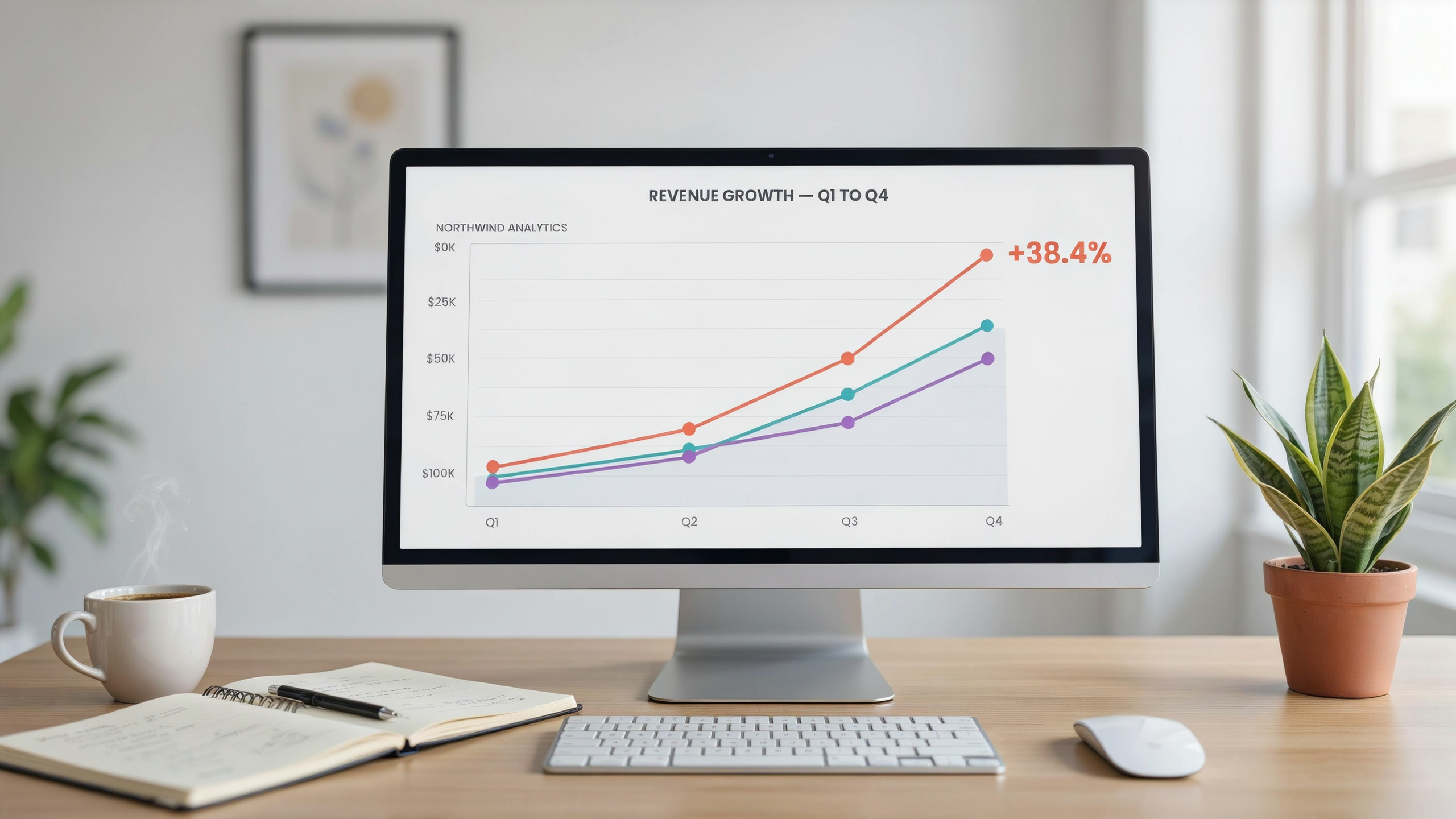
Google Search Console is the most underrated way to check backlinks without paying for anything. It won't give you the full picture a dedicated backlinks checker provides, but it covers the links Google actually knows about, which is what matters for rankings. If you haven't verified your site yet, do that first. It takes a few minutes and gives you access to the Links report, the only free tool that shows your backlink profile directly from Google's own index.
Open Search Console and click "Links" in the left sidebar. You'll see two main sections: Top linking sites and Top linked pages. Top linking sites lists the domains pointing to you, ordered by how many links they send. Most of these will be low-value directories or scraper sites. That's normal. The useful signal is when a domain you recognize appears there, because it means that site actually linked to you and Google noticed.
Top linked pages shows which of your URLs attract the most external links. This is where you spot patterns. If one blog post keeps earning links while your service pages get nothing, that tells you where your content is working. You can export both lists as CSV files from the report, which is handy if you want to sort and filter the data yourself.
One limitation to keep in mind: Search Console samples your links rather than showing every single one. For a complete view, you'll eventually want a proper backlink checker tool. But for a quick, free check backlinks session, this is the right place to start. The data comes straight from Google, so there's no third-party guesswork involved. For a deeper walkthrough of the platform, see How to Use Google Search Console: A Complete Guide for SEO. Google's own documentation on the Links report is also worth a look if you want to understand exactly how the data is collected.
Using a Backlinks Checker for Deeper Data
Google Search Console answers the basics: which domains link to you, which pages get the most links, and whether your total is trending up. A dedicated backlinks checker goes further. It crawls a much larger slice of the web, often billions of pages, and keeps historical snapshots so you can see when a link appeared, when it disappeared, and whether it was ever nofollowed. That timeline matters when a competitor's link profile suddenly jumps or when your own drops after a site redesign.
The real payoff is competitor comparison. Most backlink tools let you enter any domain and pull its referring domains, anchor text distribution, and top linked pages. You can spot a gap: a site ranking above you has 40 links from industry directories and review sites, while you have 12. That's a concrete target list, not a vague "get more links" instruction. Some tools also flag suspicious patterns, like a sudden spike of links from unrelated foreign domains, which often signals negative SEO or a spam network.
Historical data is the feature most people underuse. When you Check Backlinks: The Essential Guide to Your Link Profile with a tool that stores snapshots, you can compare month over month and tie changes to specific campaigns or algorithm shifts. A link that existed for two years and vanished last week tells a different story than one that never existed. That context is the difference between reacting to noise and acting on signal.
Serfix's backlink analysis pulls live Google Search Console data into the same dashboard as its rank tracking and site audit tools, so you see link changes next to ranking movement instead of in a silo. That combination makes it easier to judge whether a lost link actually hurt anything, which is the question a raw count can't answer.
How to Check My Backlinks Manually
When you want to check my backlinks without a paid tool, start with Google's own index. Type link:example.com into the search bar. Google retired the official link: operator years ago, so results are incomplete, but the query still surfaces a handful of pages that mention your domain. A more reliable manual method is to search for your brand name plus a minus sign and your own site, like "serfix" -site:serfix.io. This returns third-party pages referencing your brand, many of which will contain a live link.
For a specific URL, open the page in your browser and view the source code. Press Ctrl+U on Windows or Cmd+Option+U on a Mac. Then use Ctrl+F to search for href="https://yourdomain.com". The anchor text sits between the opening <a> tag and the closing </a> tag. This tells you exactly how another site is linking to you and whether the link is dofollow or nofollow, since the rel="nofollow" attribute appears inside the same tag.
Manual checking works for a small number of pages but breaks down fast. A site with fifty referring domains would take hours to audit this way, and you would still miss links hidden behind JavaScript or excluded from Google's index. That is why most teams pair manual spot checks with a Check My Backlinks: A Simple Guide to Monitoring Your Link workflow that automates the crawl. The manual method is best for verifying a suspicious link you already found, not for building a complete picture of your link profile.
Evaluating Backlink Quality: What to Look For
Not every backlink helps. Some actively hurt. A link from a relevant, trusted site passes authority and signals to Google that your content deserves attention. A link from a spammy directory or a hacked forum thread can drag your rankings down, especially after a manual action or algorithmic penalty.
Relevance comes first. A backlink from a site in your niche carries more weight than one from an unrelated domain, even if that unrelated domain has higher authority. Google evaluates the topical relationship between the linking page and your page. A link from a gardening blog to a page about SEO tools makes little sense, and Google's systems are good at spotting that mismatch.
Authority matters, but it's not the whole story. Domain Rating and Domain Authority scores from tools like Ahrefs and Moz give a rough signal, but a link from a low-authority site that is genuinely relevant and editorially placed can still help. What you're really looking for is whether the link exists because someone found your content useful, not because they were paid or swapped links.
Anchor text patterns reveal intent. Natural backlink profiles include a mix of branded anchors, naked URLs, generic phrases like "click here," and partial-match keywords. If every link pointing to your page uses the exact same money keyword, that's a red flag. Google's Penguin algorithm specifically targets over-optimized anchor text. A healthy profile looks uneven, because real people link in uneven ways.
Link placement also matters. A contextual link inside the body of an article passes more value than a link buried in a footer, sidebar, or author bio. Google has stated that footer links and sitewide links carry less weight. The best links sit inside sentences where a writer naturally references your content as a source or further reading.
Check the linking page itself. Is it indexed? Does it have real traffic? Is it surrounded by other outbound links to low-quality sites? A single link from a strong page on a reputable site can outperform dozens of links from thin, auto-generated pages. When you check backlinks, spend more time on the quality of the referring page than on the raw count of referring domains.
Automating Backlink Monitoring with Serfix
Manual backlink checks work when you have a handful of links and plenty of time. Most site owners don't. A new link can appear overnight, an old one can vanish after a site redesign, and a competitor can quietly build a dozen referring domains while you're still exporting CSV files from a free tool. Serfix handles this by pulling live Google Search Console data into a single dashboard, so you see new links, lost links, and anchor text changes without logging into multiple platforms.
The platform's automated rank tracking ties directly into backlink monitoring. When a page gains or loses links, you can cross-reference its position for the same keywords. That connection matters because a sudden drop in rankings often follows a lost high-authority link, and catching that pattern early gives you time to respond before the decline compounds. Serfix's technical audit tools also flag pages with thin content or crawl issues that make them poor link targets, which helps you decide where to direct outreach rather than guessing.
For teams that need a dedicated Check Backlinks: The Essential Guide to Your Link Profile workflow, the platform's monitoring runs on a schedule, so you don't have to remember to check backlinks each week. Alerts surface meaningful changes, not every minor fluctuation, which cuts the noise that makes manual tracking feel endless.
One practical setup: connect Search Console, let Serfix sync your referring domains, and set a weekly alert for new links from domains with a low spam score. That single automation replaces the most tedious part of link monitoring and keeps your team focused on outreach and content instead of spreadsheet maintenance. A backlink checker tool only earns its place when it reduces the hours you spend looking at data, and Serfix's approach is built around that trade-off.
Disavowing Toxic Links: When and How
Most sites never need to disavow anything. Google's systems are good at ignoring spammy links on their own, and the Disavow Tool exists mainly for cases where you've received a manual action or you know you built links that violate the guidelines. If you bought links years ago, ran a private blog network, or got hit with a penalty notice in Search Console, that's when disavowing makes sense.
The tool lives inside Google Search Console under the links section. You upload a plain text file, one URL or domain per line, with "domain:" in front of domain-level entries. Google processes the file within a few weeks, though the effect on rankings can take longer. Before you upload anything, run a proper backlink analysis and sort the worst offenders into a separate list. Serfix's backlink checker tool pulls the same data and flags links from obvious link farms, so you're not guessing.
The risk is over-disavowing. A single good link from a relevant site can outweigh a dozen junk ones, and if you disavow a domain that was actually helping, you lose that value permanently. Google's own guidance says most sites should not use the tool at all. If you're not sure whether a link is toxic, leave it alone. Disavow only what you'd be comfortable defending in a reconsideration request.
After you submit the file, monitor your link profile for a few weeks. If rankings don't recover, the problem was probably on-page, not in your backlinks. That's a good moment to run a full site audit and check whether technical issues or content gaps are holding you back.
Tracking Backlink Growth Over Time
Backlink growth rarely happens in a straight line. A site might gain 40 links in a month, lose 12 to expired domains or page deletions, and net 28. Tracking the net change matters more than the raw total, because a flat line can hide churn underneath. Set a monthly cadence and stick to it. Weekly checks create noise, while quarterly checks let problems fester for too long.
Three metrics deserve a spot in your tracking sheet. Referring domains tells you whether new sites are linking to you, not just new pages from the same site. Anchor text distribution shows whether your links look natural or over-optimized. And lost links, especially from high-authority pages, often signal a content or technical problem worth investigating. A proper Check Backlinks: The Essential Guide to Your Link Profile workflow captures all three without manual spreadsheet work.
Trends matter more than any single data point. A slow, steady climb in referring domains usually reflects genuine content quality. A sudden spike followed by a drop often means a temporary campaign or a spam wave. And a plateau after months of growth might mean your content has stopped earning links, which is a signal to revisit your topic selection. Pair your backlink analysis with ranking data to see whether link growth actually moves the needle on organic traffic.
Common Backlink Checking Mistakes
Most people who check backlinks make the same handful of errors, and they usually cost rankings without ever showing up as an obvious problem. The first is treating nofollow links as worthless. A nofollow attribute tells Google not to pass PageRank, but those links still send referral traffic and often sit on high-authority pages that build brand visibility. Ignoring them entirely means you miss context about who is talking about your site.
Chasing quantity over quality is the bigger trap. A profile with 10,000 directory links from thin pages will underperform a profile with 40 links from real editorial mentions. When you check backlinks, sort by relevance and authority first, not raw count. A link from a small but tightly topical blog in your niche usually helps more than a generic footer link from a massive site.
Another common miss is checking only your own profile. Competitor backlink analysis reveals where your rivals earn links, which pages attract them, and which gaps you can close. If you never run a backlink checker tool against competing domains, you are flying blind on half the picture. Serfix makes this comparison straightforward by pulling live link data into one dashboard.
Finally, many site owners check once and stop. Backlinks decay. Pages get removed, sites change ownership, and links get edited away. A monthly cadence catches those losses early, before a rankings slide forces you to scramble.
Frequently Asked Questions
How often should I check backlinks?
Monthly is enough for most sites. If you're actively building links or recovering from a penalty, check weekly. Sudden spikes or drops usually signal spam attacks or lost links, so a regular cadence catches problems before rankings slide.
Can I check backlinks for free?
Yes. Google Search Console shows your top linking domains and pages at no cost. For competitor analysis or deeper metrics like anchor text distribution, you'll need a paid backlink checker tool. Start free, upgrade when you need more data.
What's a good number of backlinks?
There's no universal number. A local business might rank well with 50 quality links, while a national ecommerce site needs thousands. Relevance and authority matter more than volume. Compare your profile against competitors ranking above you, not against arbitrary benchmarks.
Do nofollow backlinks help SEO?
They don't pass PageRank, but they still drive referral traffic and can lead to followed links later. Google treats some nofollow attributes as hints now, so a natural mix of followed and nofollow links looks more organic than a profile with only followed links.
Why did my backlinks suddenly drop?
Common causes include site redesigns that changed URLs, linking pages being removed, or Google recrawling and discounting low-quality links. Check your backlink analysis report for patterns. A slow decline is normal; a sharp drop usually means a specific event you can identify and fix.