

To fix duplicate content effectively, you need a clear strategy that protects your site's rankings and user experience. Duplicate content means identical or near-identical blocks of text appearing on multiple URLs, either within your own domain or across different websites. Search engines like Google struggle to decide which version to rank, often diluting link equity and sending confusing signals to crawlers. This guide walks you through proven methods to identify, resolve, and prevent duplicate content, from canonical tags and 301 redirects to content consolidation and ongoing audits.
- Duplicate content splits ranking signals and can lead to lower organic visibility.
- Canonical tags tell search engines which URL is the primary version.
- 301 redirects permanently move users and bots from duplicate pages to the original.
- Regular SEO audits catch duplication before it harms performance.
- A combination of technical fixes and content strategy keeps your site clean.
What Is Duplicate Content and Why Does It Matter for SEO?
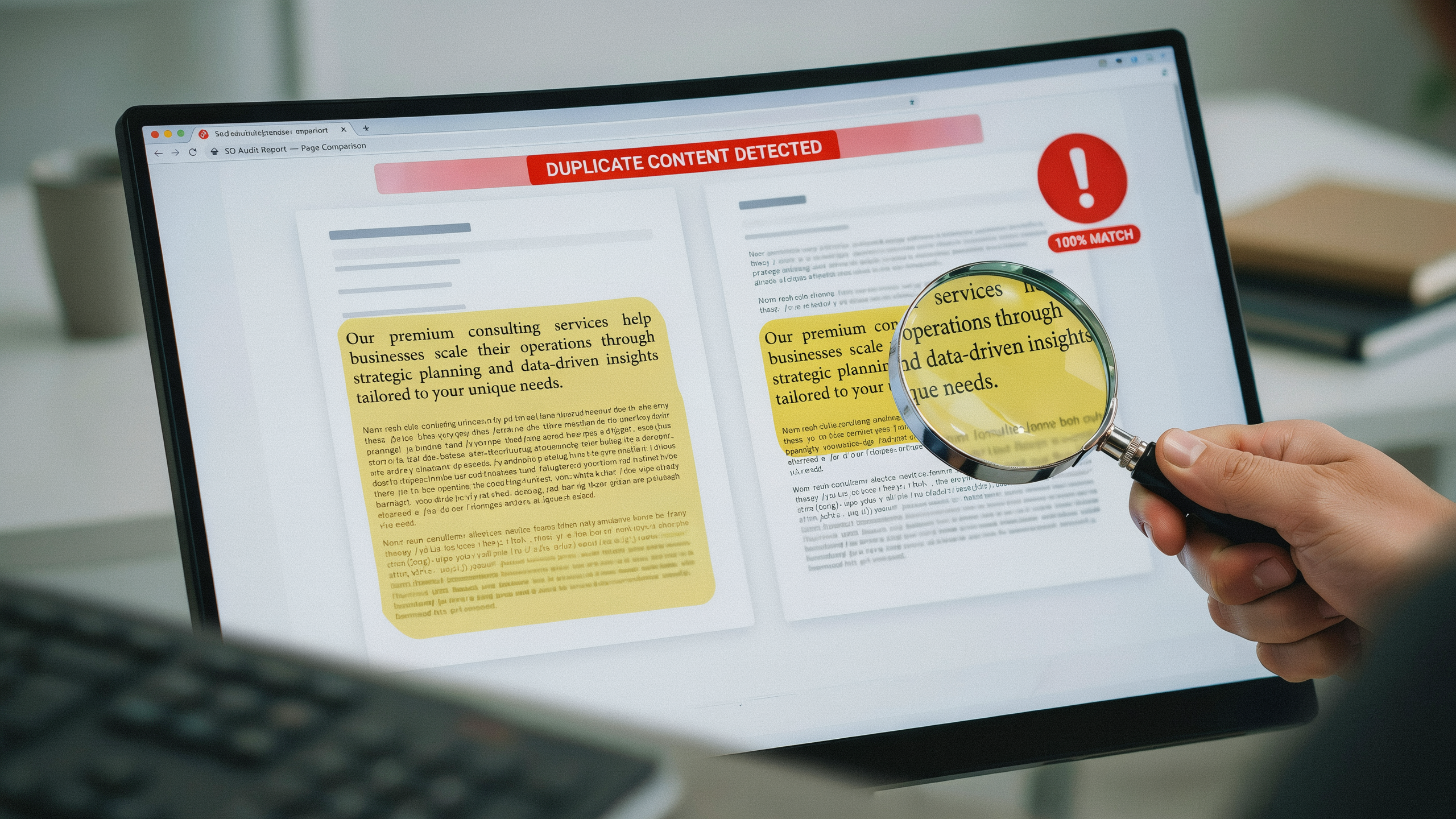
Duplicate content refers to substantive blocks of text that appear in more than one location on the web, either within a single domain (internal duplication) or across different domains (external duplication). Internal examples include printer-friendly versions of pages, session ID variations, and product descriptions repeated across category filters. External duplication often stems from scraped content, syndicated articles, or manufacturer-provided product blurbs used by multiple retailers.
When search engines encounter identical or near-identical content, they face a dilemma: which version should rank for relevant queries? This uncertainty directly impacts duplicate content seo performance because the algorithm must choose a canonical version, and it may not pick the one you prefer. The consequences extend beyond a simple ranking tie. Link equity, the authority passed through backlinks, becomes diluted when multiple URLs compete for the same signals. Instead of one page accumulating all the value, it is split across duplicates, weakening each page's ability to rank.
Crawl budget also suffers: search engine bots allocate a finite amount of time to crawl your site, and processing redundant pages wastes that resource, potentially leaving important new content undiscovered. For large ecommerce sites with faceted navigation, this can mean thousands of thin duplicate pages consuming crawl capacity without adding value. Understanding these mechanics is the first step toward an effective fix, and the following sections will guide you through identification and resolution strategies. For a deeper look at how search engines handle such issues, check Google's policies.
How to Identify Duplicate Content on Your Site

An seo audit duplicate content process starts with systematic detection. Google Search Console is your first stop. Under the Pages report, look for pages flagged as "Duplicate without user-selected canonical" or "Duplicate, submitted URL not selected as canonical." These alerts show where Google has already identified duplication, often from URL parameters, session IDs, or printer-friendly versions. Export the list and cross-reference it with your sitemap to prioritize fixes.
For deeper crawling, use a tool like serfix.io to scan your entire site. It compares page content, titles, and meta descriptions, flagging near-duplicates that Search Console might miss. Set the similarity threshold to 90% to catch pages with only minor variations, such as product pages with different color options but identical descriptions. The crawl report will group duplicate clusters, showing you exactly which URLs share substantial content overlap.
Manual checks are still valuable for spotting subtle duplication. Use site:yourdomain.com searches with exact-match phrases from key pages. If multiple URLs appear for the same snippet, you have a duplication issue. Also, check for common culprits: www vs. non-www versions, trailing slashes, and HTTP/HTTPS variants. A quick look at your server headers can reveal whether redirects are in place. Combining these methods gives you a complete map of duplicate content, setting the stage for effective remediation with canonical tags and redirects.
Using Canonical Tags to Fix Duplicate Content
Canonical tags are one of the most powerful tools in the SEO toolkit for managing duplicate content. A canonical tag (rel="canonical") is an HTML element that tells search engines which version of a page is the preferred, or "canonical," URL. When you have multiple pages with identical or very similar content, a canonical tag consolidates ranking signals to a single URL, preventing dilution across duplicates. This is a core canonical tags seo best practice because it directly addresses the indexing and ranking challenges that duplicate pages create.
To implement a canonical tag, you add a <link> element in the <head> section of your duplicate pages. The tag points to the canonical URL you want search engines to index. For example, if you have https://example.com/page and https://example.com/page?utm_source=newsletter, you would place <link rel="canonical" href="https://example.com/page" /> on the parameterized version. This tells Google and other search engines that the clean URL is the master copy. When you use canonical tags to fix duplicate content, you ensure that all link equity, user engagement metrics, and other signals flow to a single authoritative page, which can significantly improve its ranking potential.
Canonical tags are especially useful in several common scenarios. E-commerce sites often generate duplicate product pages through faceted navigation or sorting parameters. A blog might have the same post accessible via multiple category paths. Even seemingly minor variations like trailing slashes or HTTP vs. HTTPS can create duplicates. In each case, a self-referencing canonical on the preferred page, plus cross-domain canonicals if you syndicate content, provides a clear directive. However, canonicals are hints, not directives; search engines may choose to ignore them if they detect conflicting signals. That's why it's critical to combine them with other methods like consistent internal linking and sitemap inclusion.
When implementing canonical tags, follow these steps: first, audit your site to identify all duplicate or near-duplicate pages. Second, choose the strongest, most representative URL as the canonical. Third, add the rel="canonical" link element to all non-canonical versions, pointing to the chosen URL. Fourth, verify implementation using a crawler or browser developer tools to ensure the tags are correctly placed and not blocked by robots.txt. Finally, monitor Google Search Console to confirm that the canonical pages are being indexed as expected. By methodically applying canonical tags, you can fix duplicate content issues at scale, reclaiming crawl budget and sharpening your site's topical focus. For more on technical SEO, see our guide.
Implementing 301 Redirects for Duplicate Pages
A 301 redirect is a server-level instruction that permanently moves one URL to another. When search engines encounter a 301, they transfer ranking signals to the destination and stop indexing the old address. For duplicate content, this is the cleanest fix: you consolidate authority while eliminating the duplicate from the index.
To implement 301 redirects for SEO, start by mapping every duplicate URL to a single canonical version. On Apache servers, edit the .htaccess file with a line like Redirect 301 /old-page /new-page. For Nginx, use rewrite ^/old-page$ /new-page permanent; inside the server block. Most CMS platforms offer plugins or built-in tools: WordPress users can rely on Redirection or Yoast SEO Premium, while Shopify handles redirects under Online Store > Navigation. Always test with a tool like httpstatus.io to confirm the 301 status code and avoid redirect chains.
Best practices for 301 redirects SEO include redirecting to the most relevant page rather than the homepage, updating internal links to point directly to the new URL, and keeping the redirect map for at least a year. Monitor server logs for 404 errors that may reveal missed duplicates. A well-executed redirect preserves user experience and passes link equity cleanly, making it a cornerstone of any strategy to fix duplicate content.
Content Duplication Fix: Consolidating and Rewriting Content
When an SEO audit reveals overlapping pages, a direct content duplication fix is often the most sustainable solution. Instead of relying solely on technical signals, you reshape the content itself so every URL serves a distinct purpose. The process starts by mapping pages that target the same keyword or cover nearly identical subtopics. For example, an e-commerce site might have separate product pages for a blue widget and a large blue widget, each with 80% matching descriptions. Merging them into one comprehensive page that covers all variants eliminates the duplication and strengthens the remaining URL's authority.
During consolidation, identify the strongest version, usually the page with the most backlinks, traffic, or conversions, and expand it with the unique elements from the weaker pages. Rewrite thin sections that merely rephrase the same information; every paragraph should add something the others don't. If two blog posts both explain how to set up a canonical tag, combine them into a single guide that walks through basic and advanced scenarios. After merging, redirect the old URLs via 301s to pass equity cleanly.
For pages that must stay separate but offer little unique value, a noindex tag can keep them out of search results while preserving them for users. This is common with filtered category pages or printer-friendly versions. However, noindex is a last resort, it doesn't remove duplication from Google's index if the pages are already crawled, and it wastes crawl budget. A better content duplication fix is to enrich each page with original insights, data, or user-generated content so it stands on its own. When every URL earns its place, you reduce the risk of keyword cannibalization and give search engines clear signals about which page to rank.
Preventing Duplicate Content in the Future
Long-term SEO health depends on stopping duplication before it starts. A proactive approach saves hours of cleanup and protects rankings from the slow erosion that duplicate pages cause. The first line of defense is a consistent URL structure. Choose one canonical domain early, either www or non-www, and enforce it with a server-level 301 redirect. Every internal link should point to that chosen version, never mixing the two. Similarly, decide on a trailing-slash policy and stick to it. A page that loads at both /blog and /blog/ creates two URLs for the same content, and search engines will treat them as separate unless you redirect one to the other.
Parameter handling is another common source of duplication, especially on e-commerce sites where sorting, filtering, and tracking append query strings to URLs. Use Google Search Console's URL Parameters tool to tell Google which parameters do not change page content, or implement canonical tags that point to the clean version. For sites that syndicate content, a cross-domain canonical tag is essential. When you republish an article on a partner site, the canonical tag on the syndicated copy must reference your original URL, consolidating all ranking signals to the source. This is one of the most reliable ways to fix duplicate content caused by syndication.
Content management systems often generate thin duplicate pages through tag archives, author pages, or date-based archives. Audit your CMS settings and noindex any archive that does not offer unique value. For paginated series, use rel="next" and rel="prev" tags to signal the relationship between pages, or deploy a View All page with a canonical tag pointing to itself. Finally, train your content team to check for existing pages before publishing new ones. A simple internal search can prevent near-duplicate articles that dilute topical authority. By building these habits into your workflow, you minimize the need to fix duplicate content reactively and keep your site's index clean and focused. For a complete SEO toolkit, explore serfix.io features.
Advanced Techniques: hreflang and Pagination
When your site serves content in multiple languages or regions, hreflang tags are essential to fix duplicate content across localized versions. These tags signal to search engines which language and country a page targets, preventing near-identical pages from competing against each other. For example, an English page for the US and an English page for the UK can coexist without penalty when hreflang annotations are correctly implemented in the HTML head or XML sitemap. Each variant must include a self-referencing hreflang tag and reciprocal links to all other versions, so search engines understand the relationship and serve the right URL to users.
Pagination introduces another duplicate content risk when article series or product listings span multiple pages. Using rel="prev" and rel="next" link elements in the head of each paginated page consolidates indexing signals to the series as a whole. This approach tells Google to treat the sequence as a single logical entity, reducing the chance that page 2, page 3, and so on are flagged as duplicate or thin content. While Google now treats paginated content as a single page in many cases, these tags still help crawlers efficiently discover all parts of a series. For ecommerce sites with faceted navigation, combining pagination markup with canonical tags pointing to the primary category page further strengthens your duplicate content strategy.
Common Mistakes to Avoid When Fixing Duplicate Content
Even experienced SEO professionals can slip up when they fix duplicate content. One of the most frequent errors is misconfiguring canonical tags. A canonical tag that points to a non-existent URL, or one that creates a loop where page A canonicals to page B and page B canonicals back to page A, sends confusing signals to search engines. Always double-check that your canonical URLs are live, indexable, and consistent across all versions of a page.
Another common pitfall is building long redirect chains. When you implement 301 redirects to fix duplicate content, each hop in a chain dilutes link equity and slows page load times. Aim for a single redirect from the duplicate URL straight to the canonical version. Tools like Serfix.io can crawl your site and flag chains of three or more redirects so you can flatten them.
Overusing the noindex tag is also a mistake. While it can hide duplicate pages from search results, it does not consolidate ranking signals the way a canonical or redirect does. Reserve noindex for pages you truly want to keep out of the index, such as internal search results, and rely on canonicals for near-duplicate content that serves users.
Finally, ignoring parameter-based duplicates is a silent traffic killer. E-commerce sites, for example, often generate unique URLs for sorting or filtering options. Without proper canonicalization or parameter handling in Google Search Console, these can spiral into thousands of thin duplicate pages. Regularly audit your site with an SEO audit duplicate content tool to catch these before they drain your crawl budget.
Measuring the Impact: Tracking SEO Improvements After Fixing Duplicate Content
Once you implement changes to fix duplicate content, the next step is verifying that your efforts are paying off. Google Search Console is the most direct tool for this. Start by checking the Index Coverage report for a reduction in "Duplicate without user-selected canonical" or "Duplicate, submitted URL not selected as canonical" errors. A decline in these warnings over two to four weeks signals that Google is recognizing your canonical signals. You can also use the URL Inspection tool to confirm that your specified canonical URL is now the one Google has indexed.
Organic traffic trends are another key indicator. In Google Search Console, navigate to the Performance report and compare clicks and impressions for the pages you consolidated. Look for a gradual increase in clicks to the canonical version and a corresponding drop for the duplicates. It is common to see a temporary dip in total impressions as duplicate URLs drop out of the index, but this should stabilize as the canonical page gains authority. Tools like serfix.io can automate this monitoring by tracking keyword rankings and visibility scores for your target pages, alerting you to any unexpected fluctuations.
For a deeper view, segment your data by device and country to ensure that fixes like hreflang annotations are working correctly. If you implemented 301 redirects, monitor server logs or use a crawling tool to confirm that the redirects return a 301 status and that no redirect chains exist. Finally, keep an eye on your site's overall crawl budget in the Crawl Stats report: fewer duplicate URLs should mean Googlebot spends more time on your unique, valuable pages. This approach ensures that your SEO audit duplicate content efforts translate into measurable ranking gains.
Frequently Asked Questions
What is duplicate content in SEO?
Duplicate content is identical or near-identical content appearing on multiple URLs within or across domains. Search engines struggle to choose which version to rank, diluting link equity and causing lower rankings. It can be technical, like printer-friendly pages, or manual, such as copied product descriptions.
How do I fix duplicate content without hurting rankings?
Use 301 redirects to consolidate duplicate pages into one preferred URL, preserving link equity. Add canonical tags to signal the original version. For similar pages, rewrite content to be unique and valuable. Always verify changes in Google Search Console to ensure indexing of the correct page.
Can duplicate content lead to a penalty?
Google rarely issues manual penalties for duplicate content unless it's deceptive. However, duplicate content can cause ranking issues because the algorithm filters out near-duplicates, showing only the most relevant version. This filtering reduces visibility, effectively acting as a soft penalty for your site.
How long does it take for canonical tags to work?
Canonical tags are hints, not directives. Google typically processes them within a few days to weeks, depending on crawl frequency. For faster results, combine them with 301 redirects and ensure internal linking consistency. Monitor the Index Coverage report in Search Console to confirm canonicalization.
Is duplicate content always bad for SEO?
Not always. Some duplicate content is harmless, like boilerplate disclaimers or product variations with minor differences. Google understands legitimate cases. However, large-scale duplication across key pages can waste crawl budget and confuse ranking signals, so it's best to minimize it where possible.