
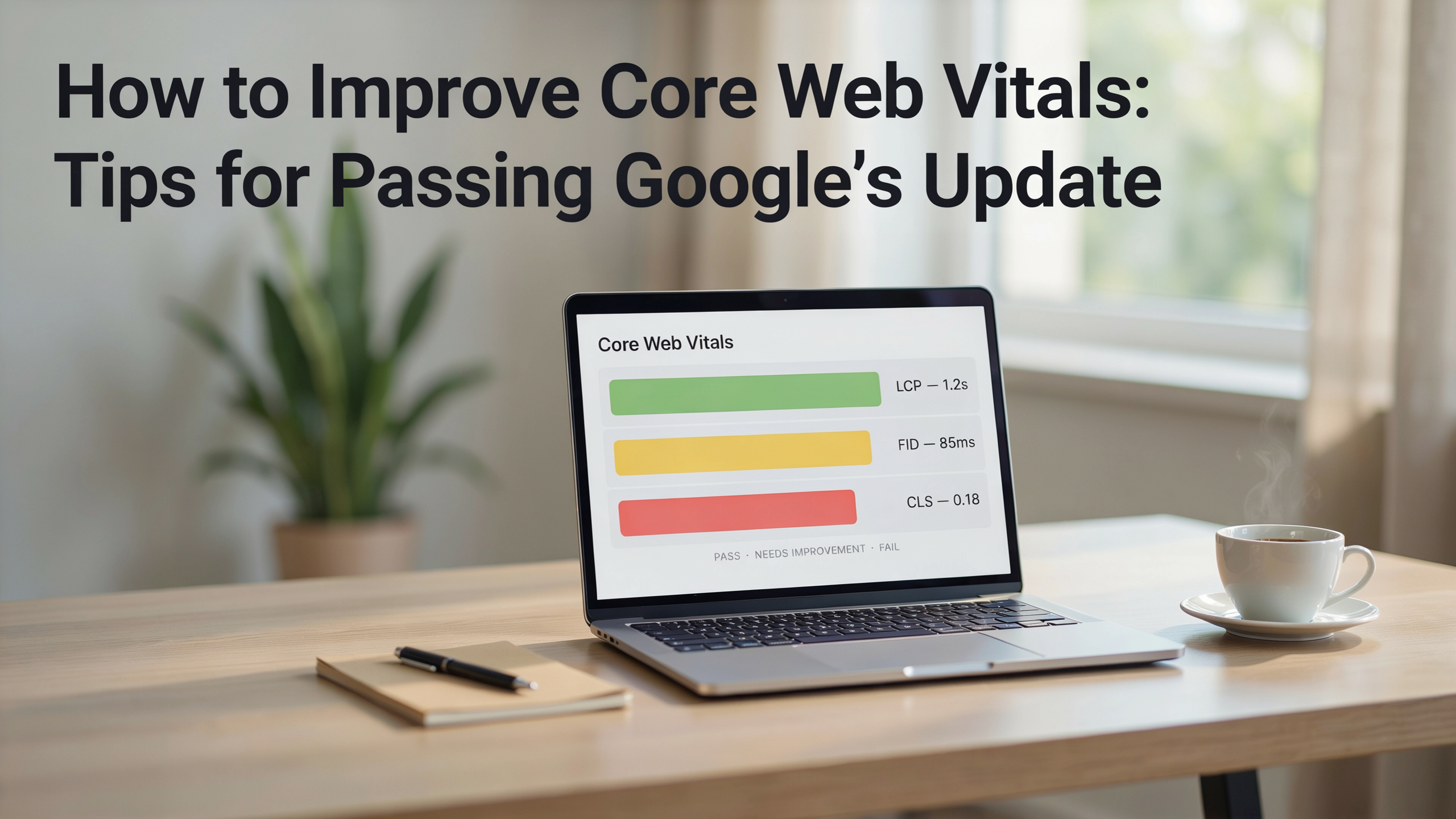
To improve core web vitals is to directly enhance both user experience and search engine rankings, as these metrics measure loading speed, interactivity, and visual stability. Google's Page Experience update has made Largest Contentful Paint, First Input Delay, and Cumulative Layout Shift essential factors for any site aiming to compete in organic search. This article provides a practical, step-by-step guide to diagnosing and optimizing each metric, with special attention to page speed optimization and core web vitals wordpress implementations. By the end, you will have a clear roadmap to boost your site's performance and meet Google's thresholds.
Key Takeaways
- Core Web Vitals directly impact rankings and user experience. Google uses Largest Contentful Paint, First Input Delay, and Cumulative Layout Shift as page experience signals, making it essential to improve these metrics for better visibility and engagement.
- Measurement precedes optimization. Use tools like PageSpeed Insights, Lighthouse, and the Chrome User Experience Report to diagnose issues before implementing fixes.
- LCP, FID, and CLS each require distinct tactics. Optimize server response times and resource loading for LCP, break up long tasks for FID, and reserve space for dynamic content to eliminate CLS.
- WordPress sites benefit from targeted optimizations. Caching plugins, image compression, and careful theme/plugin selection directly improve core web vitals on the platform.
- Sustained performance demands ongoing monitoring. Regular audits and a performance budget keep metrics in the green as content and code evolve.
What Are Core Web Vitals and Why Should You Improve Them?
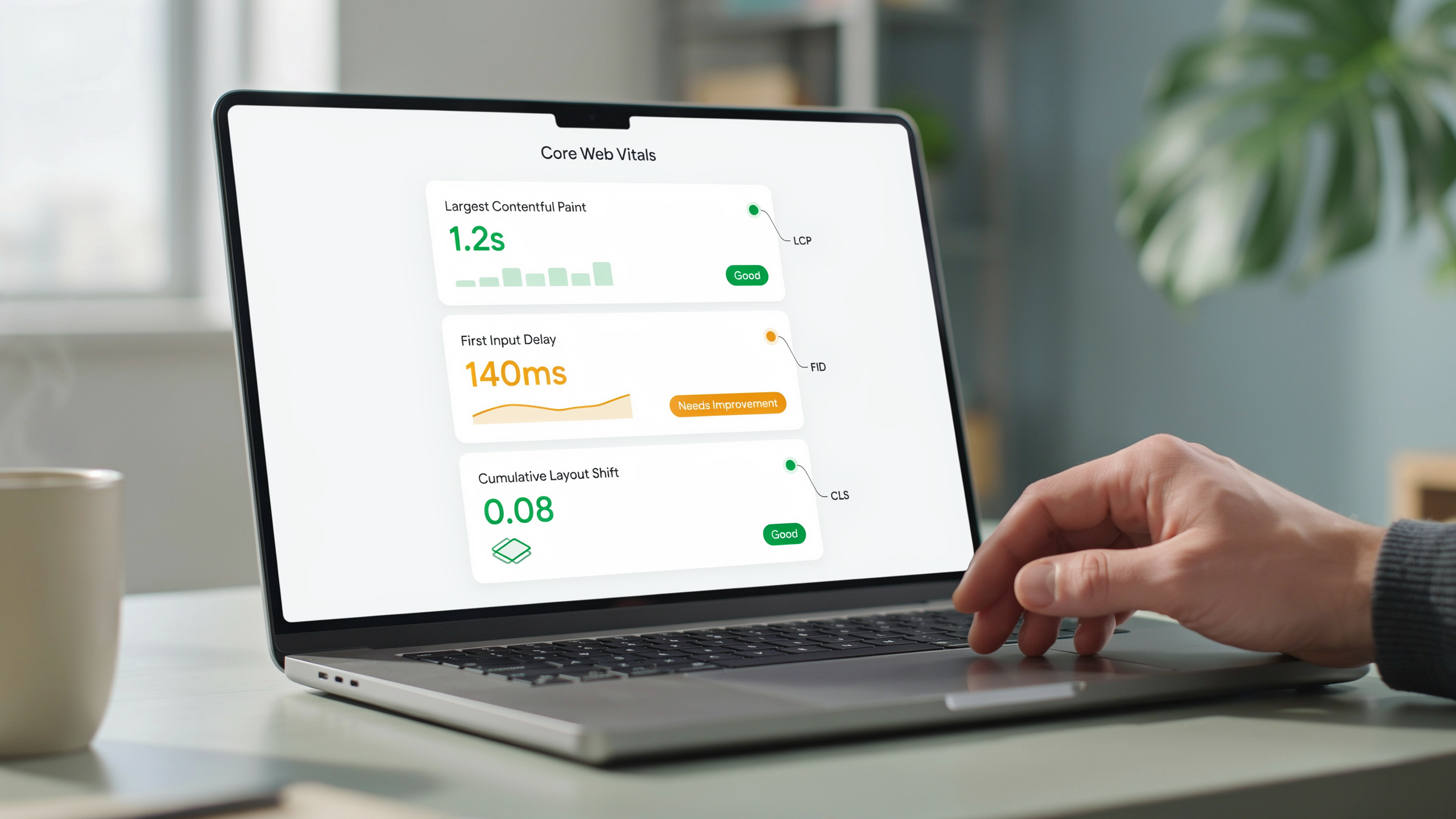
Core Web Vitals are a set of three specific page experience metrics that Google uses to evaluate the real-world user experience of a website: Largest Contentful Paint (LCP), First Input Delay (FID), and Cumulative Layout Shift (CLS). LCP measures loading performance and should occur within 2.5 seconds of the page starting to load. FID quantifies interactivity, with a good score being 100 milliseconds or less. CLS tracks visual stability, aiming for a score of 0.1 or lower. These metrics were introduced as part of Google's page experience update, which made them a ranking signal in 2021 and has continued to refine their importance through 2026.
Businesses that rely on digital growth understand that poor Core Web Vitals directly impact organic visibility and user engagement. A slow LCP can increase bounce rates by over 30%, while high CLS frustrates users who accidentally click the wrong button. FID issues make interactive elements feel sluggish, reducing conversions. For SEO professionals and website owners, the decision to improve these metrics is about delivering a seamless experience that keeps visitors on the page and moving toward a goal. Google's data shows that sites meeting the recommended thresholds see a 24% lower abandonment rate, making these metrics a critical business lever. You can read more about these thresholds on Google's policy page.
How to Measure Your Current Core Web Vitals Performance
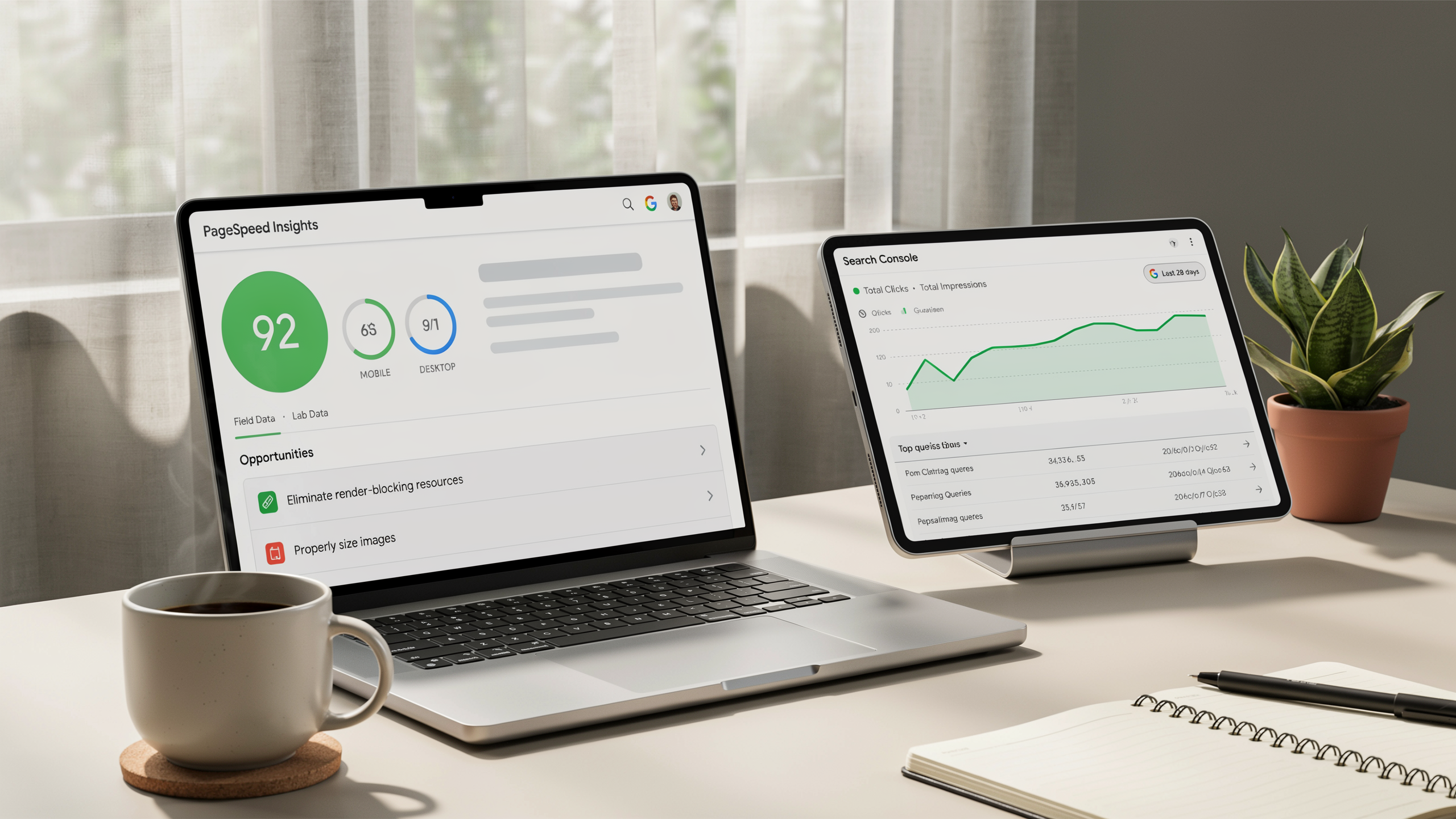
Before you can improve core web vitals, you need a clear picture of where your site stands. Start with Google's PageSpeed Insights, which provides lab and field data for any URL. The report breaks down LCP, FID, and CLS into actionable scores, highlighting specific elements that slow down your pages.
For a deeper look, run Lighthouse in Chrome DevTools. It simulates a throttled connection and audits performance, accessibility, and SEO in one pass. The diagnostics section pinpoints render-blocking resources, oversized images, and layout shifts, making it easier to prioritize fixes. Pair these with the Chrome User Experience Report (CrUX) to see real-user metrics across your entire origin, available in tools like the Serfix performance dashboard. CrUX data reveals whether issues are widespread or isolated to certain pages, helping you focus your optimization efforts where they matter most.
When interpreting reports, pay attention to the 75th percentile values, which Google uses for ranking. A slow LCP often traces back to unoptimized hero images or slow server response times. High FID typically signals heavy JavaScript execution, while poor CLS stems from dynamically injected content or missing image dimensions. By combining lab insights from Lighthouse with real-world data from CrUX, you can build a precise roadmap to improve these metrics and pass Google's page experience assessment.
Optimizing Largest Contentful Paint (LCP)
Largest Contentful Paint measures how quickly the main content of a page loads and becomes visible to users. To improve core web vitals, you must bring LCP under 2.5 seconds for a good score. The largest element is often a hero image, video poster, or large text block, so optimizing these elements yields the biggest gains.
Start by reducing server response times. A fast Time to First Byte (TTFB) ensures the browser receives the initial HTML quickly. Use a content delivery network (CDN) to serve assets from locations closer to users, and upgrade to a faster hosting plan if your server struggles under load. Caching dynamic pages at the server level can also slash TTFB by 60% or more.
Next, inline critical CSS to render above-the-fold content without waiting for external stylesheets. Tools like Critical extract the minimal CSS needed for the visible portion, allowing the browser to paint the largest element immediately. Defer non-critical CSS by loading it asynchronously or moving it to the bottom of the page.
Image optimization is another powerful lever. Compress images using modern formats like WebP or AVIF, which can reduce file sizes by 30, 50% compared to JPEG or PNG with no visible quality loss. Set explicit width and height attributes on <img> tags to prevent layout shifts and help the browser allocate space early. For responsive images, use the srcset attribute to serve appropriately sized files based on the viewport.
Finally, avoid lazy loading the LCP element. Browsers deprioritize lazy-loaded images, delaying the LCP timing. Use the fetchpriority="high" attribute on the critical image to signal its importance. If your LCP element is a text block, ensure the web font loads quickly by using font-display: swap and preloading the font file. By combining these techniques, you can shave seconds off your LCP and improve performance across your site.
Reducing First Input Delay (FID) and Improving Interactivity
First Input Delay measures the time from when a user first interacts with your page (clicking a link, tapping a button) to when the browser can actually respond. To improve core web vitals, you need to keep FID below 100 milliseconds. The root cause is almost always heavy JavaScript execution blocking the main thread. When the browser is busy parsing or running scripts, it cannot handle user input promptly.
Start by auditing your JavaScript with Chrome DevTools' Performance panel or the Coverage tab. Identify large bundles and unused code. Tree-shaking and code-splitting are essential: break your application into smaller chunks that load on demand. For example, lazy-load non-critical components so the initial payload is minimal. This directly reduces the time the main thread spends on script evaluation.
Long tasks (any task over 50 ms) are the enemy of interactivity. Break them into smaller, asynchronous pieces using setTimeout or requestAnimationFrame. A practical approach is to yield to the main thread periodically. Consider this pattern:
function processLargeArray(array) {
 const chunkSize = 100;
 let index = 0;
 function processChunk() {
 const chunk = array.slice(index, index + chunkSize);
 // Process chunk here
 index += chunkSize;
 if (index < array.length) {
 setTimeout(processChunk, 0);
 }
 }
 processChunk();
}
Web Workers offer another powerful solution by moving heavy computation off the main thread entirely. Use a worker for tasks like data parsing, image manipulation, or complex calculations. The main thread stays free to respond to user input instantly. Here is a minimal setup:
// main.js
const worker = new Worker('worker.js');
worker.postMessage(data);
worker.onmessage = (event) => {
 // Update UI with result
};

// worker.js
self.onmessage = (event) => {
 const result = heavyComputation(event.data);
 self.postMessage(result);
};
Also, defer or async non-critical scripts. The async attribute downloads the script in parallel and executes it as soon as it is ready, while defer waits until HTML parsing is complete. For third-party scripts like analytics or ads, use defer to prevent them from blocking the main thread during initial load. Tools like Serfix features provide further insights into script management, but the core principle remains: minimize, split, and defer JavaScript to keep your page responsive. By implementing these techniques, you will see a measurable drop in FID and a smoother user experience.
Eliminating Cumulative Layout Shift (CLS)
Cumulative Layout Shift measures visual stability, how much the page jumps around as it loads. A low CLS score means users aren't accidentally tapping the wrong button or losing their reading position. To improve core web vitals, you must tackle the root causes of unexpected movement: missing dimensions on media, late-loading web fonts, and dynamically injected content that pushes existing elements aside.
Start by reserving space for every image and video. Always include explicit width and height attributes on <img> and <video> tags, and let CSS aspect-ratio or intrinsic sizing handle responsive scaling. Modern browsers use these attributes to calculate the correct aspect ratio before the resource loads, preventing the classic "image pops in and shoves text down" problem. For embeds like YouTube iframes, wrap them in a container with a fixed aspect ratio using the padding-top trick or the newer aspect-ratio property.
Web fonts are another common culprit. When a custom font finishes loading and replaces a fallback, the text metrics change, often enough to shift entire paragraphs. Mitigate this with font-display: optional combined with a well-chosen system font fallback that closely matches the custom font's metrics. Alternatively, preload critical font files and use size-adjust in @font-face to align fallback and custom font metrics, virtually eliminating the swap jolt.
Dynamic content, banners, cookie notices, promo bars, must be handled with care. Never inject an element above existing content without first reserving its space. A common fix is to apply a min-height to the container before the content arrives, or to use CSS transform animations that don't affect document flow. For ad slots, collaborate with your ad ops team to enforce fixed-size containers and avoid late-loading ads that collapse or expand unpredictably.
Real-world example: a news site saw CLS drop from 0.25 to 0.02 after adding width and height to all article images and switching to font-display: swap with a tuned fallback. Another e-commerce store eliminated layout shifts from a sticky "add to cart" bar by giving its placeholder a fixed height on mobile, even before the JavaScript hydrated. These small, targeted fixes compound to deliver a noticeably smoother experience, and they directly improve core web vitals scores across your pages.
Page Speed Optimization: Beyond the Core Metrics
While Largest Contentful Paint, First Input Delay, and Cumulative Layout Shift are the headline metrics, broader page speed optimization creates the foundation for strong scores. A fast-loading site reduces server response times and network latency, which directly benefits LCP. Techniques like browser caching and content delivery networks (CDNs) ensure that repeat visitors and global audiences experience minimal wait times, keeping the largest content element on screen as quickly as possible.
Server-side rendering (SSR) and static site generation pre-build pages so the browser receives complete HTML, slashing the work needed on the client side. This approach speeds up the initial paint and reduces JavaScript execution time, which can improve First Input Delay by freeing up the main thread sooner. When you combine SSR with a CDN, you distribute pre-rendered pages to edge locations worldwide, cutting the physical distance data must travel and making every interaction feel more responsive.
Effective caching policies are another lever. By setting appropriate Cache-Control headers for images, fonts, and other static assets, you prevent unnecessary network requests on subsequent visits. This keeps the page lightweight and stable, reducing the chance of layout shifts caused by late-loading resources. A well-tuned cache can also lower the load on your origin server, which helps maintain consistent performance during traffic spikes.
For a deeper look at how these strategies fit into a complete performance plan, explore the Serfix guide for actionable guides and tools. Ultimately, page speed optimization is about removing every bottleneck between the user and the content. When you address these underlying factors, you create a resilient environment where Core Web Vitals can thrive, leading to better user experiences and stronger search rankings.
Improving Core Web Vitals on WordPress
WordPress powers over 40% of the web, but its flexibility can introduce performance bottlenecks that hurt Core Web Vitals. To improve core web vitals on a WordPress site, start with a lightweight theme and audit your plugin roster. Every active plugin adds JavaScript and CSS that can delay LCP and increase FID. Deactivate and delete anything that isn't essential, then run a performance scan to measure the impact.
Caching is the single most effective lever for page speed optimization on WordPress. A well-configured caching plugin, such as those available through Serfix's WordPress plugin, serves static HTML copies of your pages, slashing server response times and directly improving LCP. Pair page caching with browser caching and object caching (via Redis or Memcached) for dynamic sites. For image-heavy sites, CLS often stems from missing width and height attributes. Use a plugin that automatically adds these dimensions and converts images to WebP format, which reduces file sizes without visible quality loss.
Finally, tackle render-blocking resources by deferring non-critical CSS and JavaScript. Many optimization plugins offer one-click settings to inline critical CSS and delay offscreen scripts. Regularly test your site with PageSpeed Insights and Lighthouse to validate that each change moves the needle. For deeper core web vitals wordpress tuning, consider a dedicated performance plugin that bundles lazy loading, code minification, and database cleanup into a single workflow.
Advanced Strategies for Sustained Core Web Vitals Improvement
To improve core web vitals over the long term, you need to move beyond one-time fixes and embed performance into your development culture. Start by establishing a performance budget that sets clear thresholds for LCP, FID, and CLS. For example, you might cap LCP at 2.5 seconds and CLS at 0.1 on key pages. Use tools like Lighthouse CI in your CI/CD pipeline to enforce these budgets automatically, blocking deployments that would regress metrics. This makes performance a gate, not an afterthought.
Real user monitoring (RUM) is equally critical. While lab data helps during development, field data from the Chrome UX Report or a RUM solution reveals how actual visitors experience your site across devices and networks. Set up dashboards that track the 75th percentile of each Core Web Vital over time, and alert your team when trends deteriorate. Pair this with regular synthetic testing to catch issues before they reach users.
Integrate Core Web Vitals into your sprint planning by treating performance tasks as first-class tickets. When a new feature is proposed, estimate its impact on LCP, FID, and CLS during the design phase. For instance, adding a large hero image might require preloading the LCP element or using a low-quality placeholder to avoid layout shifts. A disciplined approach to performance can sustain fast experiences even as a site evolves.
Finally, conduct quarterly performance audits that go beyond automated tools. Manually review critical rendering paths, third-party scripts, and server response times. As your site grows, new plugins or tags can silently degrade Core Web Vitals. By making performance a continuous practice rather than a one-off project, you will improve these metrics and maintain them as a competitive advantage.
Frequently Asked Questions
Do Core Web Vitals affect SEO rankings?
Yes, Google uses Core Web Vitals as a ranking signal within its page experience system. While content relevance remains the strongest factor, sites that improve core web vitals can gain a competitive edge, especially in mobile search where performance thresholds are stricter.
How often should I audit my Core Web Vitals?
Monthly audits are recommended for most sites, with more frequent checks after major updates like plugin changes or content additions. Tools such as Serfix offer ongoing monitoring to catch regressions early.
Is it harder to improve Core Web Vitals on mobile?
Mobile devices often have slower CPUs and network constraints, making optimization more challenging. Prioritizing mobile-first design, minimizing JavaScript, and using responsive images can help close the gap between desktop and mobile scores.
What is a quick win to improve Core Web Vitals?
Optimizing images is the fastest win. Compress files, use modern formats like WebP, and implement lazy loading. This directly reduces Largest Contentful Paint and often yields immediate improvements in lab and field data.
Can a CDN help with Core Web Vitals?
A content delivery network reduces server response times by serving assets from locations closer to users. This cuts Time to First Byte and speeds up Largest Contentful Paint, especially for global audiences, making it a key tactic in page speed optimization.