
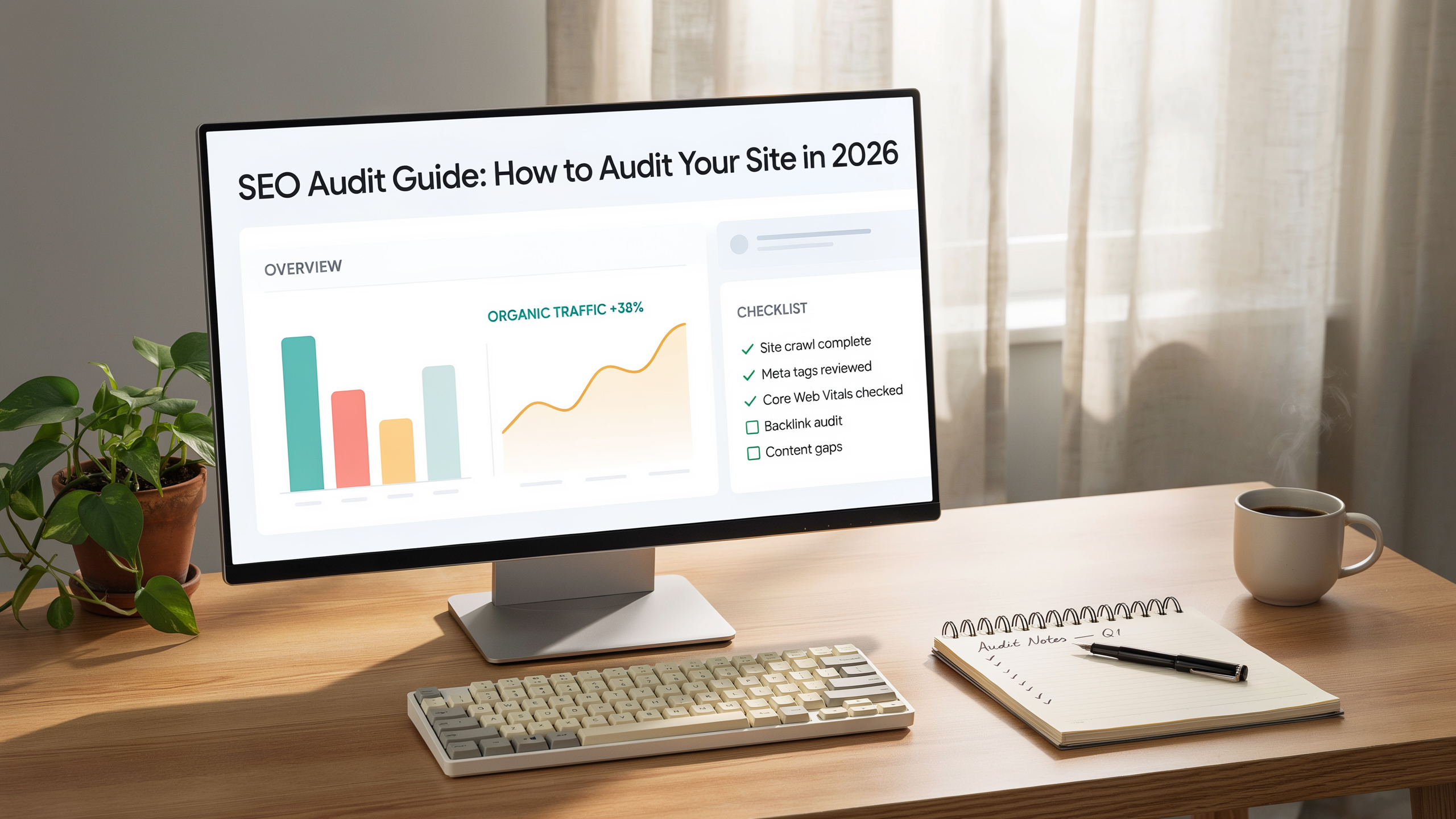
An effective SEO audit guide serves as your roadmap to uncovering weaknesses and boosting organic performance. Every website, whether fresh or established, accumulates technical glitches, outdated content, and missed optimization chances. Following a clear process ensures nothing slips through the cracks while you align your site with today's search engine standards.
Key Takeaways
- An SEO audit reveals technical, on-page, and off-page issues that hinder rankings.
- Regular auditing helps you stay ahead of algorithm changes and competitors.
- Use a structured checklist and reliable site audit tools for thorough analysis.
- Focus on on-page SEO analysis and user experience to drive sustainable growth.
- A well-executed audit becomes a repeatable framework for ongoing improvement.
Why You Need an SEO Audit in 2026

Search engines now evaluate hundreds of signals, from page experience to content depth. Without a systematic website SEO audit, you're guessing at why traffic dips or why pages fail to rank. A thorough website SEO audit uncovers crawl errors, indexing problems, thin content, and slow load times that silently hurt performance. More importantly, it gives you a prioritized list of fixes, so resources go where they'll move the needle fastest. In 2026, with AI-generated content flooding the web, human-reviewed quality and technical soundness are bigger differentiators than ever. An audit therefore acts as a health check that keeps your site competitive when the landscape shifts.
What Is an SEO Audit Guide?

An SEO audit guide is a structured process for inspecting a website's health across technical foundations, on-page elements, and off-page signals. It goes beyond a simple checklist, offering a methodical way to evaluate crawlability, indexation, mobile usability, page speed, content relevance, and backlink quality. A proper guide also includes competitor benchmarks and a reporting framework that translates findings into actionable tasks. Whether you run a blog, an e-commerce store, or a corporate site, the same core steps apply, because search engines treat fairness through consistent criteria. By the end of the audit, you have a clear picture of what needs fixing, what needs optimizing, and what you should leave alone.
How to Prepare for an SEO Audit
Before starting with tools, set clear goals. Are you diagnosing a traffic drop, planning a redesign, or just doing routine maintenance? Knowing the why shapes which parts of the audit you emphasize. Next, gather access to Google Search Console, Google Analytics, and your preferred crawler. Make a copy of your sitemap and a list of your most important pages. If you're learning how to do an SEO audit for the first time, start small: pick five core pages and audit them deeply, then expand.
Preparation also means setting aside enough time. A full audit for a site with thousands of pages can take days, so block out uninterrupted hours and assign team members to each section of the report. Finally, create a shared document where you'll log every finding, because an unwritten issue is an unfixed issue.
The Ultimate SEO Audit Checklist
A comprehensive SEO audit checklist keeps you organized. Below is a condensed version you can copy and adapt. Treat it as a baseline, then add checks specific to your niche. A good checklist covers three pillars: technical, on-page, and off-page. Even experienced consultants rely on a checklist to prevent tunnel vision. Here's your starter checklist:
- Verify site is indexed in Google (site: search).
- Check for duplicate or missing meta tags.
- Audit internal linking structure and orphan pages.
- Test mobile responsiveness and Core Web Vitals.
- Analyze page speed and server response time.
- Review robots.txt and XML sitemap.
- Examine backlink profile for toxic links.
- Evaluate content for keyword cannibalization.
- Ensure schema markup is implemented correctly.
- Scan for broken links and redirect chains.
Follow this checklist in order, and you'll catch most problems before they cost you rankings.
Choosing the Right Site Audit Tools
The market for site audit tools is vast, but you don't need to spend a fortune. Start with Google's free properties: Search Console shows index coverage, mobile usability, and manual actions. PageSpeed Insights and Lighthouse give actionable performance data. For deeper crawling, many site audit tools offer freemium tiers that handle hundreds of URLs. A purpose-built crawler can flag duplicate titles, missing H1s, and broken internal links in minutes, saving you hours of manual checking.
When your needs outgrow free tools, consider a dedicated suite that combines rank tracking, backlink analysis, and site auditing. Remember, the best site audit tools are the ones you use consistently, not the ones with the most features. If you need an example, solutions like serfix.io provide approachable audits without overwhelming you, but even a spreadsheet fed by Search Console data can work for small sites.
Step 1: Crawl Your Website for Technical Errors
Technical health is the foundation of any audit. Start by crawling the site with a spider tool. The crawl will surface 404 errors, redirect loops, canonical mismatches, and slow page loads. Pay special attention to the status codes: a page returning a 500 error harms both users and crawl budget. Check your robots.txt file to ensure you're not accidentally blocking important areas. Review the XML sitemap for outdated URLs and compare it with what's actually indexed in Google Search Console. Discrepancies here often point to deeper problems.
Also, look at the site's architecture. Pages buried more than three clicks from the homepage rarely get crawled frequently, so flatten the structure where you can. Fixing technical errors early prevents them from compounding into ranking drops later.
Step 2: On-Page SEO Analysis
On-page SEO analysis is where you scrutinize individual pages for optimization opportunities. Start with title tags and meta descriptions. They should be unique, include target keywords naturally, and stay within pixel limits to avoid truncation in SERPs. Next, check heading hierarchy. Every page needs one H1 that matches the title tag closely, and subheadings should follow a logical order.
Content quality matters just as much. Look for thin pages with fewer than 300 words, duplicate content across URLs, and outdated information. Internal linking is another key piece. Each important page should have a few relevant internal links pointing to it, and anchor text should vary. Don't forget images: alt text, file names, and compression all affect both accessibility and load times. Finally, review your schema markup. Structured data helps search engines understand your content, and errors here can prevent rich snippets from appearing. A thorough on-page SEO analysis often uncovers quick wins that boost rankings within weeks.
Step 3: Off-Page and Backlink Audit
Off-page signals, especially backlinks, still carry significant weight. Use a backlink analysis tool to pull your backlink profile. Look for toxic links from spammy domains, link networks, or irrelevant sites. If you find them, consider disavowing through Google's tool, but be cautious: only disavow when you're sure the links are harmful and you can't get them removed manually. Also, analyze your anchor text distribution. Over-optimized anchor text with exact-match keywords can trigger penalties. A natural profile has a mix of branded, naked URL, and generic anchors.
Beyond links, check brand mentions across the web. Unlinked mentions are opportunities to reach out and request a link. Social signals and local citations matter too, depending on your niche. A backlink audit isn't just about pruning bad links; it's about identifying gaps where competitors have strong links and you don't. That insight feeds your link-building strategy.
Step 4: Competitor Benchmarking
You can't audit in a vacuum. Pick three to five direct competitors and run their domains through the same tools you used on your own site. Compare their site speed, Core Web Vitals, and mobile usability against yours. Look at their content: what topics do they cover that you don't? How deep is their coverage? Check their backlink profiles for high-authority domains linking to them but not to you. Also, examine their on-page optimization. You might find they're using schema types you've ignored or targeting long-tail keywords you missed.
Competitor benchmarking turns your audit from a defensive checklist into an offensive strategy. It shows you exactly where you need to catch up and where you can leapfrog them. Document these findings in your report with specific examples, not just general observations.
Step 5: Reporting and Prioritization
A raw list of issues is useless without prioritization. Group findings by impact and effort. High-impact, low-effort fixes go first: broken links, missing title tags, slow pages. High-impact, high-effort items like site architecture changes come next. Low-impact issues can wait. Your report should include a summary for stakeholders who won't read the details, a technical section for developers, and a content section for editors. Use visuals: screenshots of errors, charts showing page speed over time, tables comparing your metrics to competitors.
Set deadlines and assign owners for each task. A good report doesn't just describe problems; it tells a story about how fixing them will improve traffic and revenue. Revisit the report quarterly to track progress and update priorities. If you want a streamlined way to generate these reports, serfix.io's free audit can give you a head start. Following a solid SEO audit guide ensures you don't miss critical steps in this final phase.
FAQ
How often should I perform an SEO audit?
For most sites, a full audit every six months works well. If you're in a competitive niche or frequently update your site, quarterly audits catch issues faster. After major changes like a redesign or domain migration, audit immediately.
Can I do an SEO audit without paid tools?
Yes. Google Search Console, Analytics, PageSpeed Insights, and Lighthouse cover the basics. For crawling, tools like Screaming Frog offer free tiers for up to 500 URLs. You can also manually check key pages. Paid tools save time and provide deeper data, but they're not mandatory to start.
What's the most common mistake during an audit?
Focusing only on technical errors while ignoring content quality and user experience. A technically perfect site with thin, outdated content won't rank well. Balance your audit across all pillars.
How long does a typical audit take?
It depends on site size. A small site under 100 pages might take a few hours. A large e-commerce site with thousands of pages can take several days. The reporting and prioritization phase often takes as long as the data collection.
Should I fix issues as I find them or wait until the audit is complete?
Fix critical errors like broken pages or security issues immediately. For everything else, it's better to complete the audit first. You'll see how issues connect and can prioritize fixes more effectively. Jumping between fixing and auditing breaks your focus and can lead to missed problems.
For more guidance, check out serfix.io's guide section or refer to Google's SEO starter guide for foundational principles.